

Reducers Overview
Reducers block distracting content or reduce its effect. Open Reducers from the bottom navigation bar.
You can use multiple reducers at the same time.
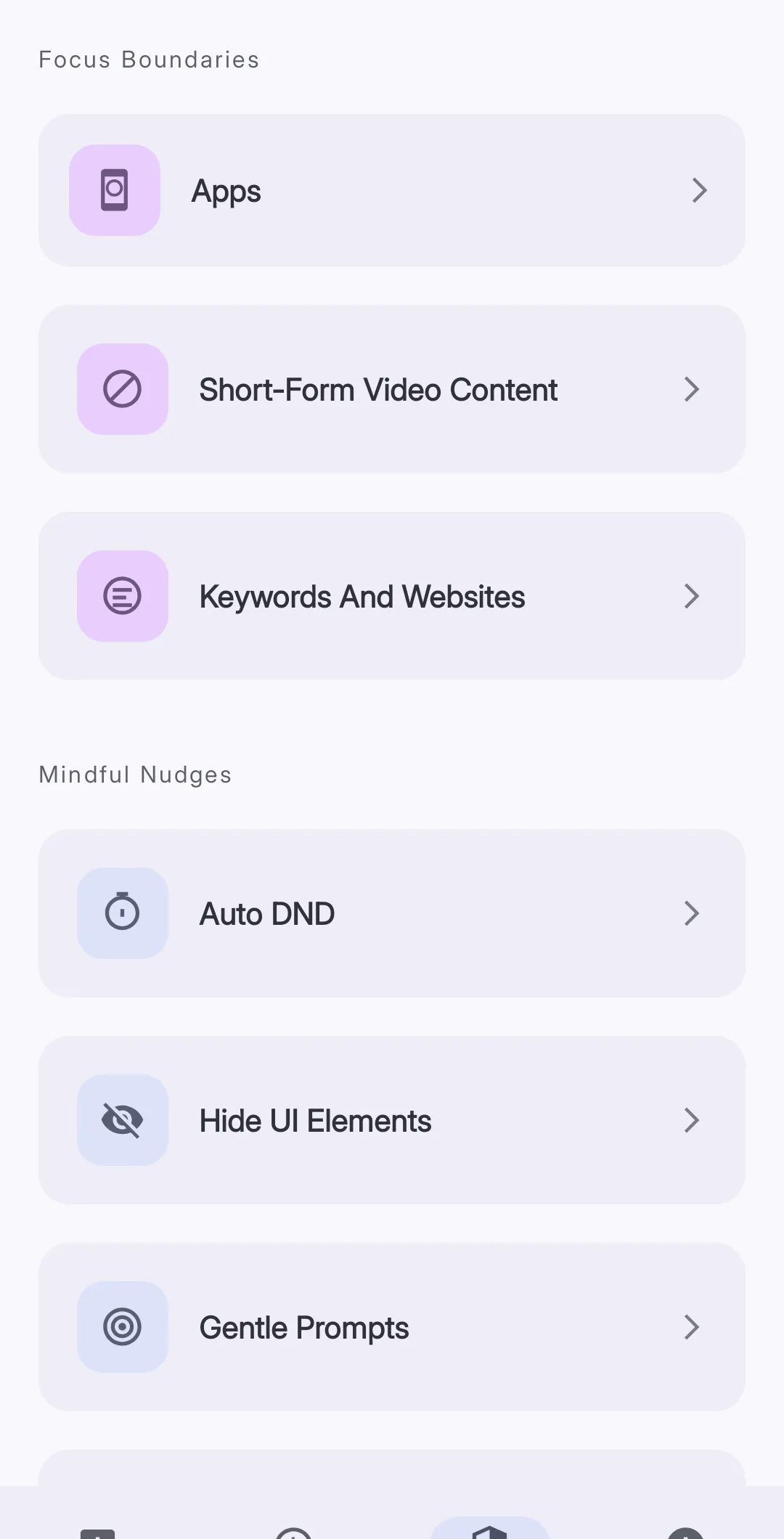 The Focus Boundaries section contains blocking and limit features.
Focus Boundaries
Focus Boundaries block an app or content when configured conditions are true.
| Reducer | Function |
|---|---|
| Apps | Blocks selected apps on a schedule or after a usage limit |
| Short-Form Video Content | Blocks short-form videos on a schedule, after a time limit, or after a video limit |
| Keywords And Websites | Blocks matching website addresses in supported browsers |
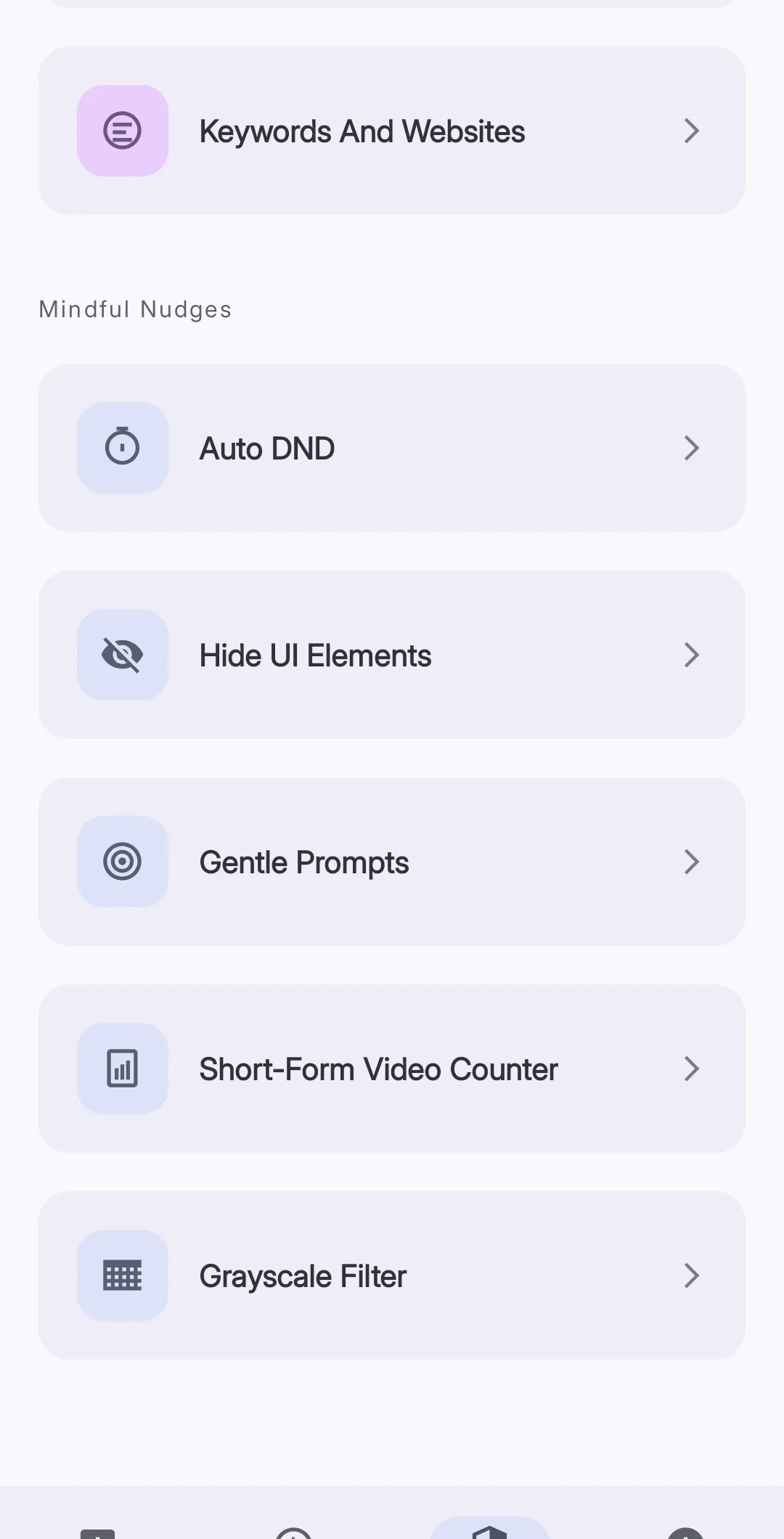
Mindful Nudges
Mindful Nudges change the device interface without a complete block.
| Reducer | Function |
|---|---|
| Auto DND | Turns on Do Not Disturb during configured schedules |
| UI Hider | Covers selected interface elements in supported apps |
| Gentle Prompts | Shows a configured message over selected apps |
| Short-Form Video Counter | Shows the number of short-form videos for the current day |
| Grayscale Filter | Removes color while a selected app is open |
Select a first reducer
Use Apps if you need a time limit or a scheduled block. Use a Mindful Nudge if you want information without a complete block.
Configure one reducer first. Check its effect before you configure another reducer.