

Keywords and Websites
Keywords And Websites reads the address in a supported browser. Curbox shows a warning screen when the address matches a configured keyword.
Supported browsers
Curbox supports these browsers:
- Google Chrome
- Brave
- Firefox
- IronFox
- Firefox Focus
- IceRaven
- Fennec
- Vivaldi
- Opera
- Cromite
- Vanadium on GrapheneOS
Developers can add a browser rule to the Curbox project.
Keyword group controls
| Control | Function |
|---|---|
| Active Schedule | Sets the days and times when the group applies |
| Usage Limit | Sets the permitted use duration for matching websites during the active schedule |
If Usage Limit is empty, Curbox blocks matching websites for the complete active schedule.
Example: A group is active from 9:00 AM to 5:00 PM. An empty limit blocks each match immediately. A 15-minute limit permits 15 minutes of use before Curbox blocks the matches.
Create a keyword group
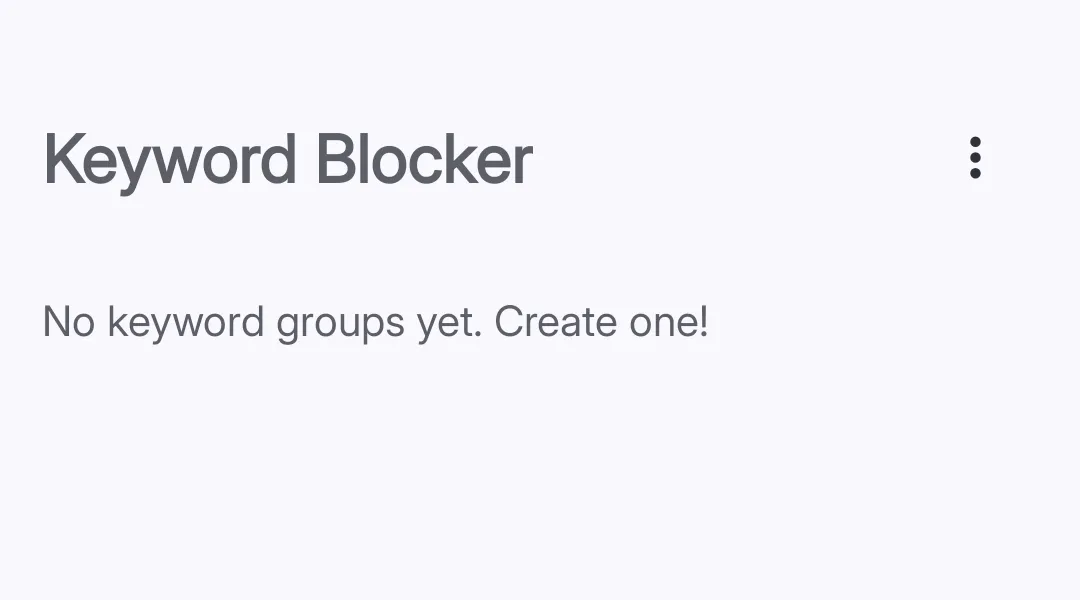 Tap the plus button to create a keyword group.
-
Open Keywords And Websites Tap Reducers. Then, tap Keywords And Websites.
-
Create a group Tap the + button.
-
Enter a group name Enter a short name that identifies the websites.
-
Add keywords Enter one domain, path, word, wildcard pattern, or regular expression in each entry. See Keyword syntax.
-
Set the active schedule Tap Active Schedule. Select the days and times when the group applies.
-
Set a usage limit (optional) Tap Usage Limit. Enter the permitted use duration.
-
Configure the warning screen (optional) Tap Configure Warning Screen. Configure the action that is necessary to continue. Read Unlock Challenges for all options.
-
Save the group Tap Done. Curbox activates the group.
Use a keyword in multiple groups
You can put the same keyword in multiple groups. This lets you use different limits at different times.
The active schedules for the shared keyword must not overlap. If they overlap, Curbox shows a warning. Change one schedule before you activate both groups.
Keyword syntax
Select the least complex syntax that meets your requirement.
Block a complete website
Enter the domain:
youtube.comreddit.comtwitter.comDo not include https:// or www.. Curbox normalizes these parts before it checks the address.
Block one website section
Enter a domain and a path:
youtube.com/shortsinstagram.com/reelsreddit.com/r/gamingyoutube.com/shorts blocks the Shorts section. It does not block other YouTube paths.
Block a path on all websites
Start the entry with /:
/shorts/reels/reelFor example, /shorts matches that path on each website.
Use a wildcard
Use * to match zero or more characters:
*.reddit.comyoutube.com/watch**.reddit.com matches Reddit subdomains. youtube.com/watch* matches YouTube watch addresses with different query values.
Use ? to match one character.
Match a word in a domain
Enter a word without a period or slash:
youtubeThis entry matches domains such as youtube.com and youtube.co.uk. It does not match the page content.
Use a regular expression
Start a regular expression with r::
r:(?:shorts|reels|reel)Use this syntax only when the other keyword types cannot make the required match.
Import keywords from a file
Create a text file with one keyword on each line:
youtube.com/shortsinstagram.com/reels/reeltiktok.comCurbox ignores empty lines and duplicate entries.
-
Open the keyword group Open the group that must receive the entries.
-
Open the group menu Tap the menu in the upper-right corner.
-
Import the file Tap Import. Select the text file.
Correct common errors
| Error | Correction |
|---|---|
The entry contains https:// or www. | Remove these parts. Enter youtube.com. |
The entry is too broad, such as com | Add a specific domain or path. |
| The entry contains one complete video address | Remove the video identifier to match the complete section. |
| A regular expression does not match | Check its syntax and test it again. |
Quick reference
| Requirement | Entry |
|---|---|
| Block a complete website | youtube.com |
| Block one section | youtube.com/shorts |
| Block a path on all websites | /shorts |
| Block all subdomains | *.youtube.com |
| Match a domain word | youtube |
| Use a regular expression | r:(?:shorts|reels) |