

Mindful Messages
Mindful Messages shows your text over a selected app. The message stays visible while you use the app.
Open Gentle Prompts in the Reducers list to configure Mindful Messages.
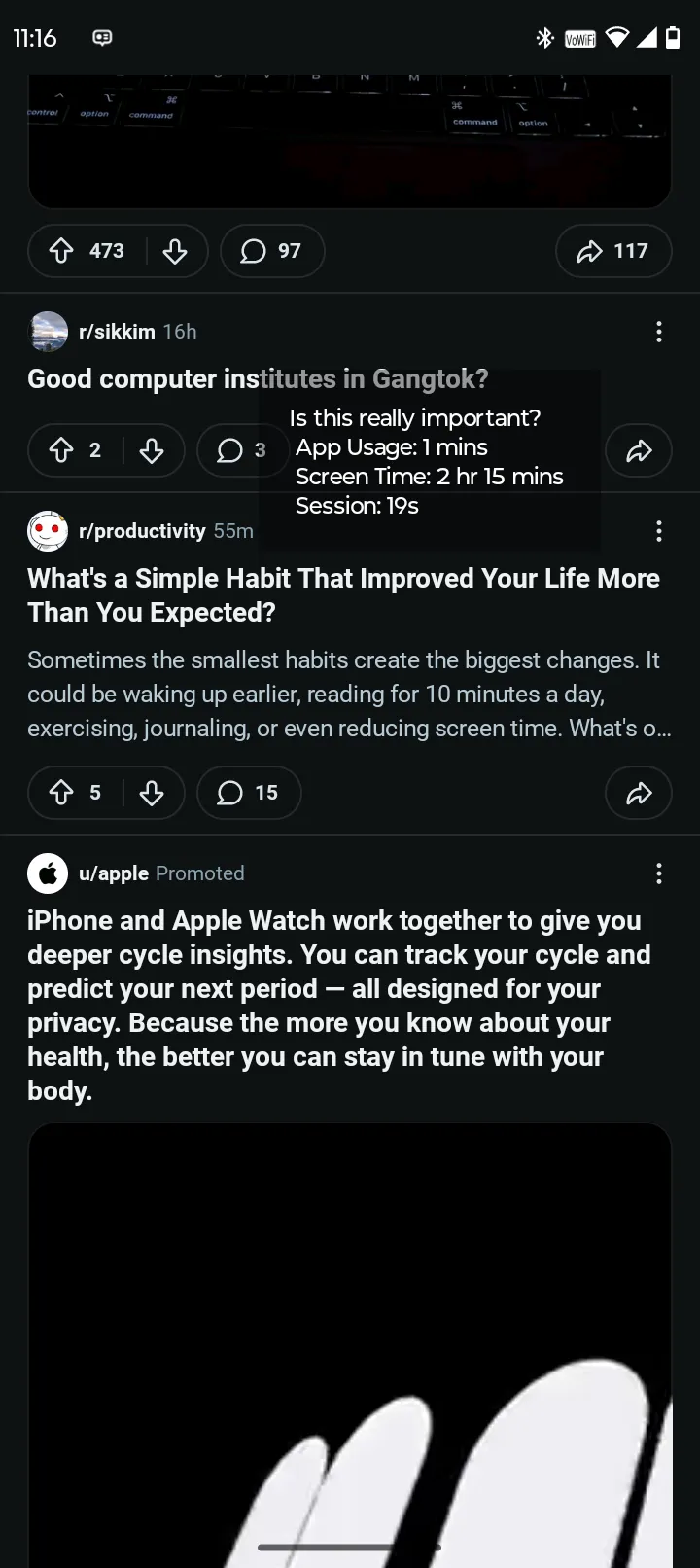 A message can contain text and current usage values.
Configure Mindful Messages
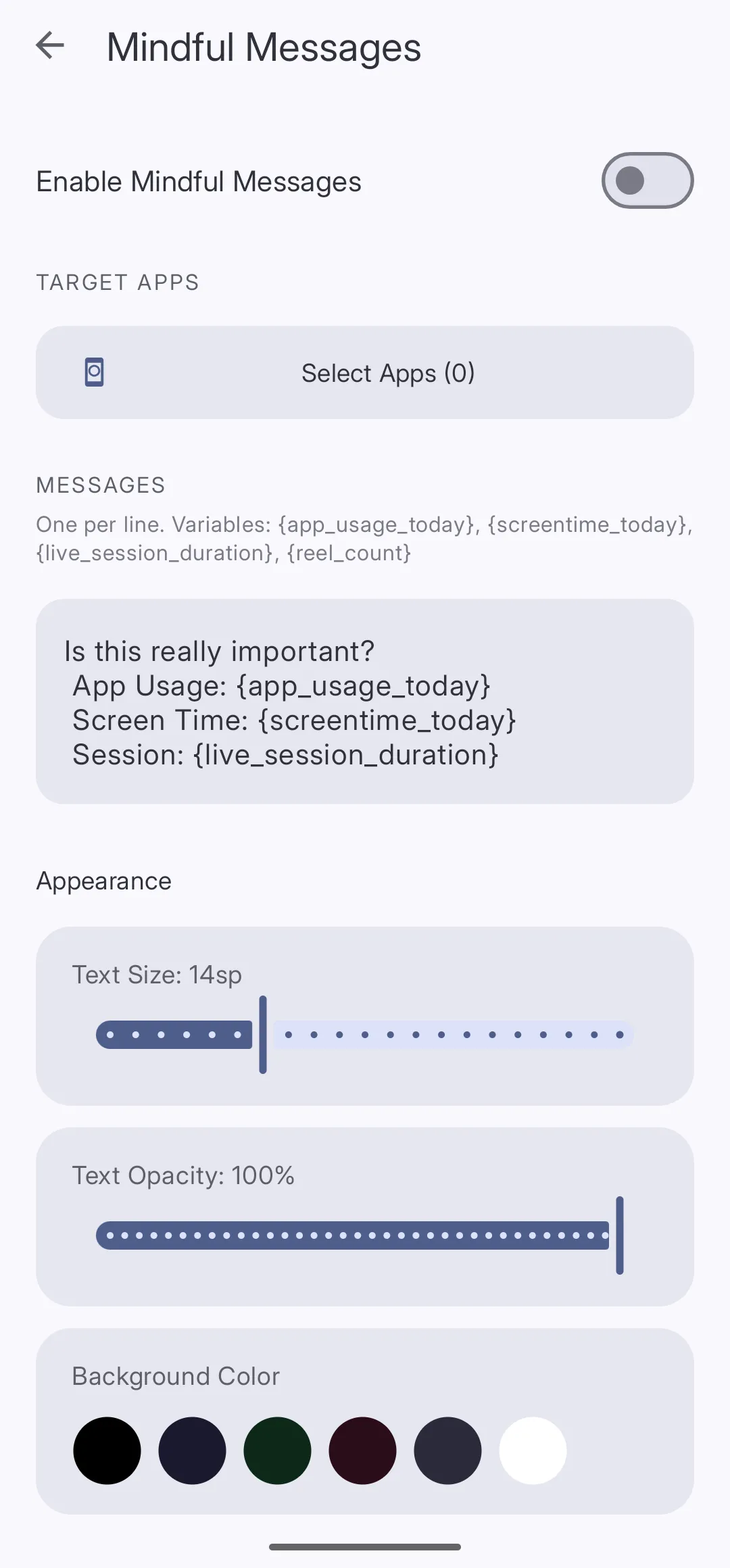 The message field accepts one message on each line.
-
Open Gentle Prompts Tap Reducers. Then, tap Gentle Prompts.
-
Turn on Mindful Messages Turn on Enable Mindful Messages.
-
Select apps Tap Select Apps. Select the apps that must show a message.
-
Enter messages Enter the text in MESSAGES. Put each message on a separate line.
-
Add placeholders (optional) Add one or more placeholders from the reference table.
Placeholder reference
Curbox replaces a placeholder with its current value when it shows the message.
| Placeholder | Value |
|---|---|
{app_usage_today} | Use duration for the current app today |
{screentime_today} | Total screen time today |
{live_session_duration} | Continuous duration in the current app |
{reel_count} | Number of short-form videos today |
Example:
Complete the planned task.App use today: {app_usage_today}Screen time today: {screentime_today}Current session: {live_session_duration}Change the appearance
Scroll to Appearance. Configure these controls:
- Text Size changes the text size.
- Text Opacity changes the text visibility.
- Background Color changes the overlay background.